


Windows 8
Windows 8 Tutorials
Free Windows 8 course, 22 video lessons by Smith Technical Resources.
22 Lesson
1 hr 40 min
5 Enrolled
Certificate: Yes
Intro Course content
22 Lesson · 1 hr 40 min
01
Windows 8 Tutorial - How To reset windows 8 to factory settings
15:25
02
Windows 8 Tutorial - How To Delete Stuck Print Jobs
04:09
03
Windows 8 Tutorial - How To Increase or Decrease The Icon and Text Size
02:40
04
Windows 8 Tutorial - Free Up Space With Disk Clean-Up
01:56
05
Windows 8 Tutorial - Add/Delete/Modify Your Account Password
01:54
06
Windows 8 Tutorial - Modify Your Virtual Memory Paging File Size
02:38
07
Windows 8 Tutorial - How To Update Hardware Drivers
03:16
08
Windows 8 Tutorial - How To Change The Auto Play / Auto-run Settings
03:14
09
Windows 8 Tutorial - How To Use System Restore
07:33
10
Windows 8 Tutorial - Improve Performance With A Disk Defragmentation
03:26
11
Windows 8 Tutorial - How To View Hidden Files and Folders
01:46
12
Windows 8 Tutorial - How To Install A Networked Printer
07:18
13
Windows 8 Tutorial - How To Edit The Windows Hosts File
07:21
14
Windows 8 Tutorial - Install Windows From A USB Flash Drive
12:18
15
Windows 8 Tutorial - How To Add/Delete/Modify User Accounts
04:46
16
Windows 8 Tutorial - How To Change Windows Update Settings
03:27
17
Windows 8 Tutorial - How To Access Installed Applications
02:56
18
Windows 8 Tutorial - Disable Unwanted Start-up Applications
02:27
19
Windows 8 Tutorial - How To Uninstall Applications
02:30
20
Windows 8 Tutorial - Determine If You Have 32bit or 64bit
01:53
21
Windows 8 Tutorial - How To Access The Command Prompt
01:52
22
Windows 8 Tutorial - How To Customize The Start Screen
05:06
Related Courses
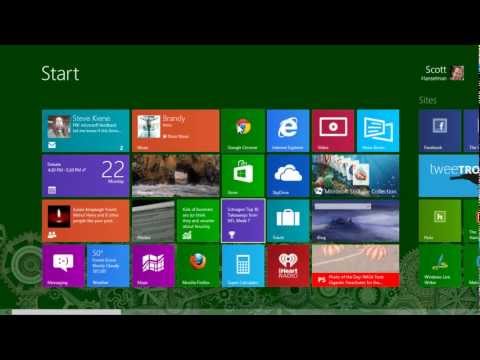
Using Windows 8 and 8.1 Comprehensive How To Video Tutorials
Scott Hanselman
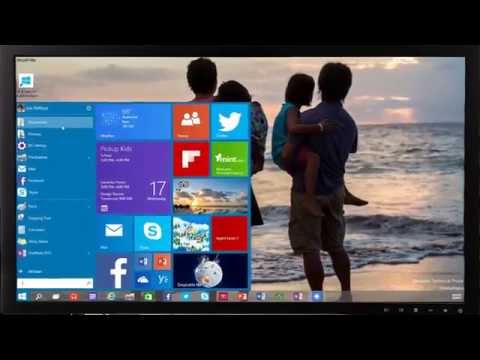
Windows 8.1 Tips
Ask Ram
windows 8
PC Learning Zone - Computer Training

Windows Tips and Features
HP Desktop and Mobile Device Help
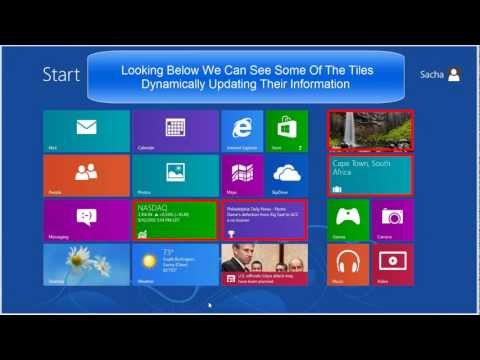
windows 8 tutorials
JAGTutorials

Learning how to use Windows 8.1 for beginners
JAGTutorials